
n8n Nod is an open-source local AI agent that plans and performs tasks across apps, browsers, schedules, memory, models, and approvals.
n8n Nod is an open-source personal AI agent from n8n Labs that completes tasks across apps and websites. It is separate from the n8n workflow automation platform and runs as a standalone application on a local computer or self-hosted server. The source frames it as a goal-driven assistant: the user describes a result, a connected AI model plans, and Nod uses connected services and its own browser while pausing for approval when needed.
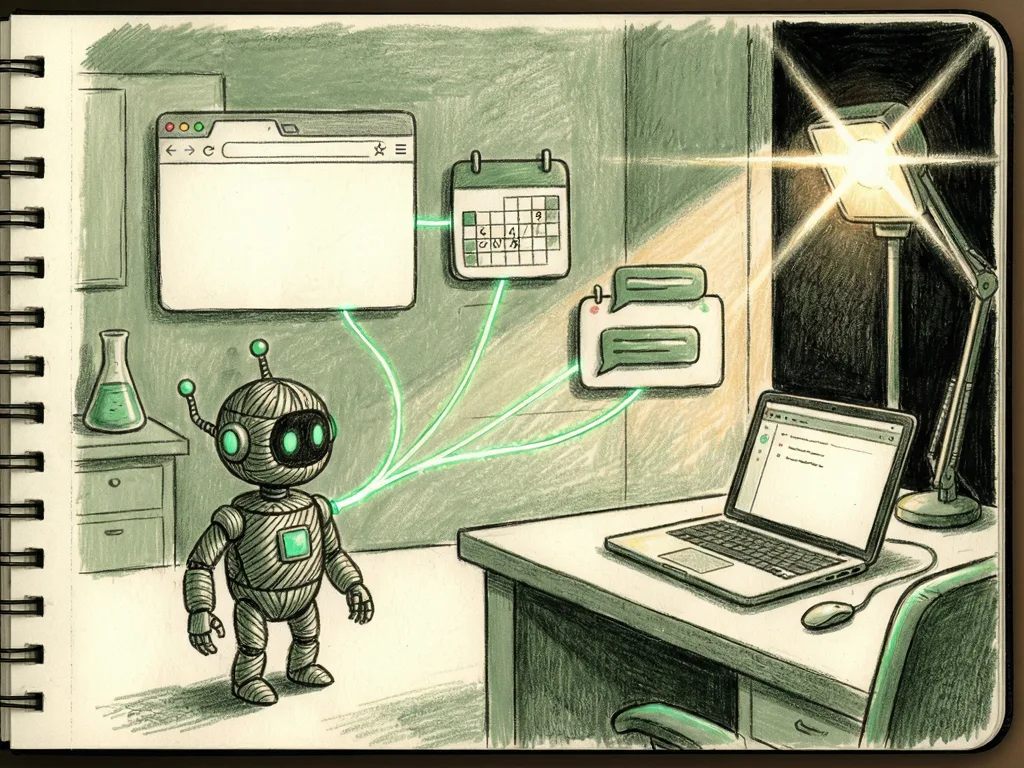
Its value depends on three tensions: automation breadth versus control, local deployment versus always-on availability, and model flexibility versus usage cost. Nod is currently a research preview, so features, interface, and technical requirements are still evolving.
Nod plans, acts, and pauses for approval
A natural-language task is handled by the connected AI model for reasoning, while Nod supplies the browser, workspace, and connected-app access. In the invoice example, Nod locates the invoice, verifies customer information, reviews prior correspondence, drafts a follow-up email, checks whether sending is covered by existing instructions or permissions, and pauses for approval if it is not.
The source describes five stages:
- Task intake: identify the goal.
- Planning: determine steps and select tools.
- Tool use: access information and actions through connected apps and the browser.
- Permission checks: read and draft without asking by default; send, submit, delete, or change data go through the Trust system; payments require separate approval.
- Task completion: return the result.
The Trust system can also follow lasting approval rules set in chat. An AI model judges whether an action matches instructions, and the server verifies the permission source, but the model can misinterpret a request. The source treats approvals as an additional safeguard, not a guarantee.
Integrations, browser, memory, and schedules extend the assistant
Nod connects to Gmail, Google Calendar, Slack, Notion, and Linear. A Gmail connection lets it search, read, draft, and send email; Google Calendar gives access to events. Telegram and WhatsApp serve as communication channels, so the same assistant can be reached from a phone.
Nod's browser opens pages, follows links, searches the web, fills forms, and downloads files without direct website integration. The source shows cross-service work: a Gmail invoice request can lead Nod to a billing website, download the invoice, and attach it to a draft reply.
Schedules cover one-time and recurring tasks, such as a weekday inbox summary or weekly project report. The source example checks a supplier's pricing page every Monday at 9am and sends a Telegram message if a price changes. Local installations run schedules only while Nod is running and the computer is awake; a missed recurring task runs once when available, skipping extra missed runs. A self-hosted server keeps schedules and monitoring running around the clock while the computer is unavailable, if the server stays online.
Nod saves useful conversation details and brings them into future tasks. It tracks memory reliability: a single mention starts with lower certainty, while repeated or confirmed details become more established. Users can review, edit, confirm, archive, or remove memories in Settings > Memory.
By default, Nod does not save sensitive details about health, religion, politics, sexuality, gender identity, ethnicity, immigration status, or criminal history. It saves them only if the user explicitly asks or enables Include sensitive details in Settings > Memory. After multi-step tasks or workarounds, Nod can save learned skills that record the procedure, encountered problems, and next-time checks.
Models and spending limits are configurable
Nod is not locked to one AI model or provider. It supports OpenAI, Anthropic, Google Gemini, OpenRouter, and 20+ other providers, including Amazon Bedrock, Google Vertex AI, and Azure OpenAI. Different models can handle scheduled tasks and other work. It can also connect to local language models through Ollama on the user's computer or server.
Hosted models bill per use. An OpenAI API key uses OpenAI API billing, separate from a ChatGPT subscription. The source also says users can sign in with a ChatGPT Plus or Pro account instead of an API key.
Nod sets a $200 monthly spending limit by default and pauses a task if model spending exceeds $5 since the last user message. Both limits are adjustable in spending settings.
Deployment controls where data lives and schedules run
A local assistant keeps conversations, files, model connections, and connected accounts on that computer. A self-hosted assistant keeps them on a server, accessible through the web or desktop app.
The source warns that Nod currently has no supported backup or restore process for local assistants. If the computer is lost, conversations, workspace files, and saved settings stored only on that machine are gone. This makes deployment a data durability question, not only an availability question.
Comparison with n8n, OpenClaw, and Hermes Agent
The source positions Nod as more focused on executing personal tasks across apps and websites. n8n is built around repeatable agentic workflows and configurable agents; the source describes an n8n workflow as connecting a trigger to a series of actions. OpenClaw provides an extensible self-hosted assistant across multiple channels, and Hermes Agent handles broader autonomous work while building memory and reusable skills.
| Dimension | Nod | n8n | OpenClaw | Hermes Agent |
|---|---|---|---|---|
| Work assignment | Describe result in an ongoing conversation | Design a workflow or configure an agent with instructions and tools | Send requests through its interface or connected messaging channels | Assign tasks through desktop app, command line interface, or connected messaging platforms |
| Browser and app access | Own browser plus connected apps | Integrations, workflow nodes, APIs, and agent tools | Browser control, tools, plugins, and connected services | Browser automation, built-in tools, plugins, and Model Context Protocol connections |
| Memory | Saves useful conversation information for future tasks | Agents store and retrieve context through configured memory | Persistent memory in workspace files | Persistent memory and reusable skills from previous work |
| Scheduling | One-time and recurring tasks | Workflows and agents on configured triggers or schedules | Scheduled and recurring jobs | Cron system |
| Deployment | Local assistant or self-hosted server | n8n Cloud or self-hosting | Own computer or server | Local, server, or supported remote environments |
| Best fit | Personal work across email, calendars, documents, and websites | Repeatable business processes with triggers, steps, integrations, and AI agents | Self-hosted assistant through messaging apps and other channels across devices | Research, coding, data analysis, and multi-step work carrying knowledge from previous tasks |
Use cases, advantages, and risks
The source lists meeting preparation, update monitoring, email management, administrative work, recurring reports, and document collection. These use cases draw on calendar details, emails, documents, web information, invoices, online forms, account information, summaries, receipts, and reports.
Advantages:
- It combines app integrations and browser automation.
- It supports local or self-hosted deployment, multiple models, schedules, memory, learned skills, and messaging channels.
- It includes approval controls and default spending limits.
Risks and limitations:
- It is a research preview, so features, interface, and technical requirements may change.
- Local deployment has no supported backup or restore process.
- Approval decisions depend on AI judgment and can be misinterpreted.
- Hosted model use can bill per use and requires API or account connections.
Source: provided description of n8n Nod, including its features, deployment options, model support, spending defaults, and comparison with n8n, OpenClaw, and Hermes Agent.
Last updated: June 14, 2026
Reader notes 0
- No notes yet. Corrections and first-hand test results are welcome.