
Bluehost Professional Email now offers AI Labels, AI Inbox, Titan MCP, and password-protected email on select plans. The update focuses on reducing manual triage and follow-up work by categorizing messages, showing pending replies, connecting email to ChatGPT or Claude for assisted actions, and adding recipient passwords and expiration controls. The biggest benefit is workflow control. The main risk is that AI access and password handling require stricter usage rules, while ordinary email remains unsuitable for highly sensitive data.
Bluehost Professional Email has added four features—AI Labels, AI Inbox, Titan MCP and Password-Protected Email—on select plans. The update is less about storing email and more about reducing manual work: automatic categorization, a follow-up view, AI-assisted actions through ChatGPT or Claude, and password control for sensitive messages. The strongest value is workflow control. The main caveat is that AI access and password protection introduce new handling rules, and the Federal Trade Commission still advises that regular email is not a secure method for sending sensitive data.
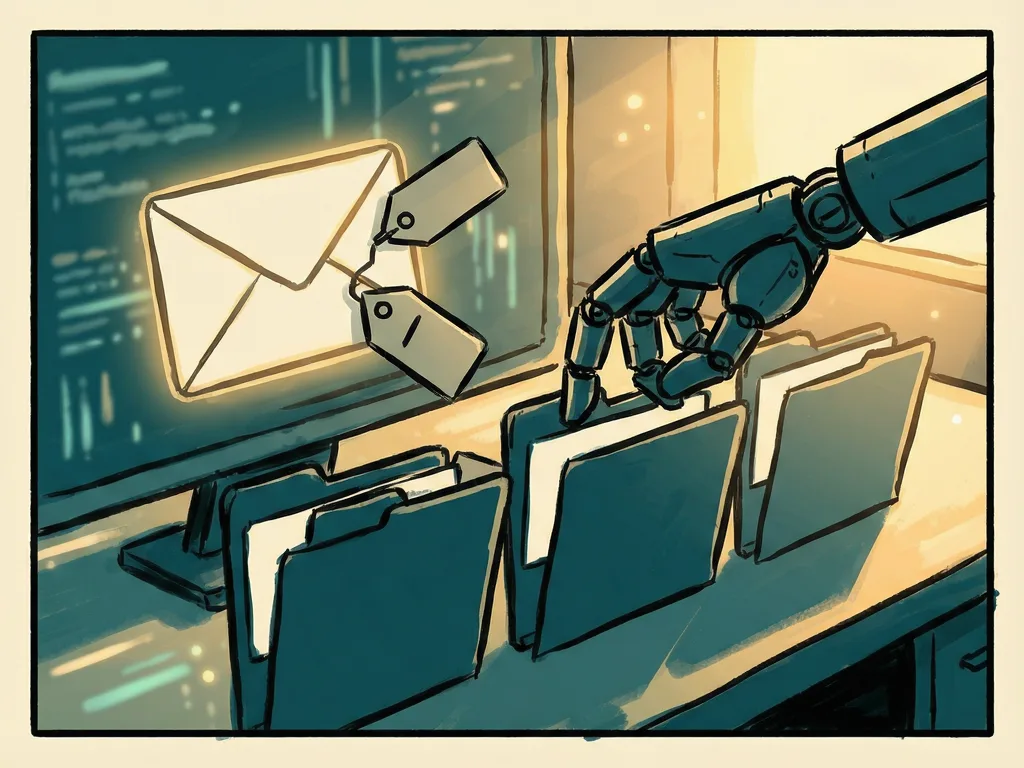
What Changed
| Feature | What it does | Where it is used | Plan or dependency note |
|---|---|---|---|
| AI Labels | Automatically categorizes incoming emails with one of six labels: Respond, Awaiting Reply, Done, FYI, Notifications, Promotions. | In the inbox. | Professional Email Plus includes 100 AI Labels; Professional Email Ultra includes unlimited AI Labels. |
| AI Inbox | Shows messages needing your reply and responses you are waiting on in one view. | Separate inbox view. | Requires AI Labels; included with Professional Email Ultra. |
| Titan MCP | Connects email, calendar and contacts to an AI assistant using natural-language prompts. | In ChatGPT or Claude. | Included with Professional Email Plus and Professional Email Ultra. |
| Password-Protected Email | Requires recipients to enter a password before viewing a message and can set an expiration date. | When composing an email. | Included with Professional Email Plus and Professional Email Ultra. |
AI Labels: Triage Without Opening Every Message
AI Labels assigns incoming email to one of six categories. Respond means action needed. Awaiting Reply tracks messages the user sent but has not received a reply to. Done marks no further action. FYI identifies informational messages. Notifications covers updates and automated notices. Promotions identifies promotional emails and offers.
The practical benefit is speed. If the categories are accurate, a user can scan for Respond and postpone FYI, Notifications and Promotions. Bluehost suggests starting with Respond and circling back to FYI later. This is a sensible default, but it depends on the label being right. A mislabeled urgent message could remain hidden in FYI until the user opens the full inbox.
AI Inbox: A Follow-Up View, Not a Complete Safety Net
AI Inbox pulls messages needing a reply and responses the user is waiting on into a separate view. It requires AI Labels, so it inherits their classification logic. The example is a quote awaiting response and a client question not yet answered. Instead of searching the full inbox, the user sees both in one place.
The feature can reduce missed follow-ups, but it is not a guarantee. It surfaces only conversations that are classified as needing reply or awaiting response. If AI Labels misclassifies, AI Inbox may not show the message. Users should still review the full inbox or use labels as a filter, not as proof that nothing was missed.
Titan MCP: Turns ChatGPT and Claude into Workflow Controls
Titan MCP connects Professional Email to ChatGPT or Claude. Through natural-language prompts, the assistant can read and send emails, check calendars, find contacts and manage labels. Bluehost lists tasks such as summarizing unread emails, identifying messages that may need a response, finding recent emails before meetings, finding available meeting times, creating calendar events, finding conversations awaiting responses, drafting follow-ups, finding related emails and applying labels.
This is the most operationally powerful addition because it moves the assistant from text generation into action. It can also be the riskiest. The assistant may act across email, calendar and contacts. The safe-use guidance matters: connect only a personal AI account, not a shared account; review and limit permissions; disable tools that are not needed; review AI-generated drafts before sending; remove unused connections; use two-factor authentication when available.
Titan MCP is also distinct from Email AI. Email AI works inside the mailbox to help write and refine messages. Titan MCP connects the mailbox to ChatGPT or Claude, allowing work across email, calendar and contacts. Once connected, ChatGPT or Claude can help read, draft and send emails from the Professional Email account based on the access provided.
Password-Protected Email: Access Control with Limits
Password-Protected Email requires recipients to enter a password before viewing a sensitive email. The sender can also set an expiration date. Recipients can open and read the message, but they cannot copy, print or download it. Bluehost recommends sharing the password separately, such as by phone, so the message and password are not sent together.
This fits messages that contain contract terms, payment details, invoices, payroll details, offer letters, client records or account data. The value is control: the sender can limit who can open the message and how long it remains accessible. The limit is that the email still travels through ordinary email infrastructure. The Federal Trade Commission advises businesses that regular email is not a secure method for sending sensitive data. Password-Protected Email is therefore an added layer, not a replacement for a secure channel.
The inability to copy, print or download may also create friction. Some recipients may need a local record for compliance, accounting or internal review. The sender should consider whether that restriction fits the recipient’s workflow.
Which Feature Fits Which Problem
Start with AI Labels if the inbox mixes action items with notifications, promotions and informational messages, or if time is spent sorting to find what needs attention. Start with AI Inbox if the main problem is tracking replies and waiting responses, especially if important conversations get buried. Start with Titan MCP if ChatGPT or Claude is already part of the workflow and the user needs help with email briefings, meeting prep, scheduling and follow-ups. Start with Password-Protected Email if the user regularly sends contracts, payment details, employee documents or client records and wants more control over access and availability.
The plan split is important. Professional Email Plus includes Password-Protected Email, Titan MCP and 100 AI Labels. Professional Email Ultra includes Password-Protected Email, Titan MCP, unlimited AI Labels and AI Inbox. Users who need AI Inbox must choose Ultra according to the source. Users on Plus can use the core labels and connected assistant features, but not the separate AI Inbox view as listed.
Pros and Cons
Pros:
- AI Labels give six automatic categories that can speed inbox triage.
- AI Inbox creates a focused view for replies and waiting responses.
- Titan MCP lets ChatGPT or Claude manage email, calendar and contacts through prompts.
- Password-Protected Email adds a password and expiration option before viewing sensitive messages.
- Recipients cannot copy, print or download a password-protected message.
- Plan options separate core AI labeling from unlimited labels and AI Inbox.
Cons:
- AI Labels and AI Inbox depend on correct classification.
- Titan MCP requires connecting an external assistant to business email, calendar and contacts.
- The feature set is not available on every plan.
- Password protection is not described as a fully secure email channel.
- The no-copy, no-print, no-download rule may interfere with legitimate recipient workflows.
Limitations and Unknowns
The source does not provide benchmarks for label accuracy, response time savings, email delivery speed, security effectiveness or business outcomes. It also does not specify how long password-protected messages can remain available beyond the ability to set an expiration date. Users should test AI Labels on a small set of messages before relying on Respond or Awaiting Reply for critical follow-ups. For Titan MCP, permissions should be reviewed before giving an assistant access to send, schedule or manage contacts. For sensitive data, the Federal Trade Commission warning should be treated as a baseline constraint.
FAQ
Can AI write emails?
Yes. With Titan MCP, ChatGPT or Claude can help draft emails and follow-ups from a Professional Email account. AI-generated drafts should be reviewed before sending.
Can ChatGPT or Claude send emails?
Yes. Once Titan MCP is connected, ChatGPT or Claude can help read, draft and send emails from the Professional Email account based on the access provided.
What can recipients do with a password-protected email?
They enter the password set by the sender to open and read the message. They cannot copy, print or download it.
Sources
- Bluehost Blog: New AI and Security Features in Bluehost Professional Email.
- Federal Trade Commission advice referenced in the Bluehost article: regular email is not a secure method for sending sensitive data.
Last updated: 2026-06-22
Reader notes 0
- No notes yet. Corrections and first-hand test results are welcome.